


Page 1 - Back to School Guide 2018-19
P. 1
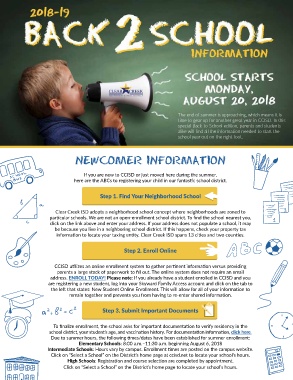
The end of summer is approaching, which means it is
                                                                           time to gear up for another great year in CCISD. In this
                                                                           special Back-to-School edition, parents and students
                                                                           alike will find all the information needed to start the
                                                                           school year out on the right foot.


                                NEWCOMER INFORMATION


                                    If you are new to CCISD or just moved here during the summer,
                                here are the ABCs to registering your child in our fantastic school district.


                                           Step 1. Find Your Neighborhood School


                        Clear Creek ISD adopts a neighborhood school concept where neighborhoods are zoned to
                      particular schools. We are not an open-enrollment school district. To find the school nearest you,
                      click on the link above and enter your address. If your address does not populate a school, it may
                        be because you live in a neighboring school district. If this happens, check your property tax
                         information to locate your taxing entity. Clear Creek ISD spans 13 cities and two counties.


                                                     Step 2. Enroll Online


                        CCISD utilizes an online enrollment system to gather pertinent information versus providing
                         parents a large stack of paperwork to fill out. The online system does not require an email
                      address. ENROLL TODAY! Please note: If you already have a student enrolled in CCISD and you
                     are registering a new student, log into your Skyward Family Access account and click on the tab to
                      the left that states: New Student Online Enrollment. This will allow for all of your information to
                              remain together and prevents you from having to re-enter shared information.


                                            Step 3. Submit Important Documents


                       To finalize enrollment, the school asks for important documentation to verify residency in the
                      school district, your student’s age, and vaccination history. For documentation information, click here.
                      Due to summer hours, the following times/dates have been established for summer enrollment:
                                  Elementary Schools: 8:00 a.m.–11:30 a.m. beginning August 6, 2018
                     Intermediate Schools: Hours vary by campus. Enrollment times are posted on the campus website.
                      Click on “Select a School” on the District’s home page at ccisd.net to locate your school’s hours.
                             High Schools: Registration and course selection are completed by appointment.
                            Click on “Select a School” on the District’s home page to locate your school’s hours.

