


Page 18 - Learn To Use HTML and CSS
P. 18
So You Want to Learn to Use HTML and CSS – Version 2020-06-12a                          Page 8
               Chapter 1 — A Brief History and Creating Your First Page


             Free


             eBook


             Edition


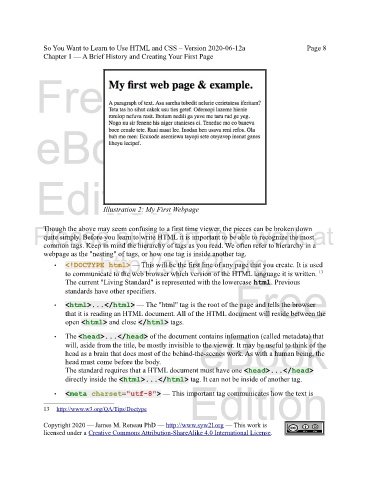
                                   Illustration 2: My First Webpage


            Please support this work at
               Though the above may seem confusing to a first time viewer, the pieces can be broken down
               quite simply. Before you learn to write HTML it is important to be able to recognize the most
               common tags. Keep in mind the hierarchy of tags as you read. We often refer to hierarchy in a
               webpage as the "nesting" of tags, or how one tag is inside another tag.
                                  http://syw2l.org
                   •   <!DOCTYPE html> — This will be the first line of any page that you create. It is used
                       to communicate to the web browser which version of the HTML language it is written.
                                                                                                           13
                                                                               Free
                       The current "Living Standard" is represented with the lowercase html. Previous
                       standards have other specifiers.
                   •   <html>...</html> — The "html" tag is the root of the page and tells the browser
                       that it is reading an HTML document. All of the HTML document will reside between the
                       open <html> and close </html> tags.
                                                                   eBook
                   •   The <head>...</head> of the document contains information (called metadata) that
                       will, aside from the title, be mostly invisible to the viewer. It may be useful to think of the
                       head as a brain that does most of the behind-the-scenes work. As with a human being, the
                       head must come before the body.
                       The standard requires that a HTML document must have one <head>...</head>
                       directly inside the <html>...</html> tag. It can not be inside of another tag.
                                                                Edition

                   •   <meta charset="utf-8"> — This important tag communicates how the text is

               13     http://www.w3.org/QA/Tips/Doctype

               Copyright 2020 — James M. Reneau PhD — http://www.syw2l.org — This work is
               licensed under a Creative Commons Attribution-ShareAlike 4.0 International License.

