


Page 102 - Learn to Program - Basic-256
P. 102
Chapter 7: Decisions, Decisions, Decisions.                                       Page 86


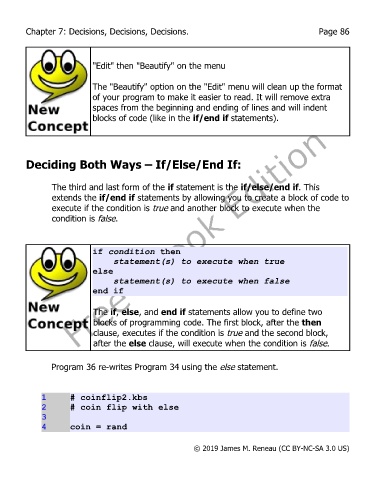
                           "Edit" then "Beautify" on the menu


                           The "Beautify" option on the "Edit" menu will clean up the format
                           of your program to make it easier to read. It will remove extra
                           spaces from the beginning and ending of lines and will indent
                           blocks of code (like in the if/end if statements).


        Deciding Both Ways – If/Else/End If:


               The third and last form of the if statement is the if/else/end if. This
               extends the if/end if statements by allowing you to create a block of code to
               execute if the condition is true and another block to execute when the
               condition is false.


                           if condition then
                               statement(s) to execute when true
                           else
                               statement(s) to execute when false
                           end if

                           The if, else, and end if statements allow you to define two
                           blocks of programming code. The first block, after the then
                           clause, executes if the condition is true and the second block,
                           after the else clause, will execute when the condition is false.


               Program 36 re-writes Program 34 using the else statement.


             1      # coinflip2.kbs
             2      # coin flip with else
             3
             4      coin = rand


                                                       © 2019 James M. Reneau (CC BY-NC-SA 3.0 US)

