


Page 131 - Learn to Program - Basic-256
P. 131
Chapter 9: Custom Graphics – Creating Your Own Shapes. Page 115
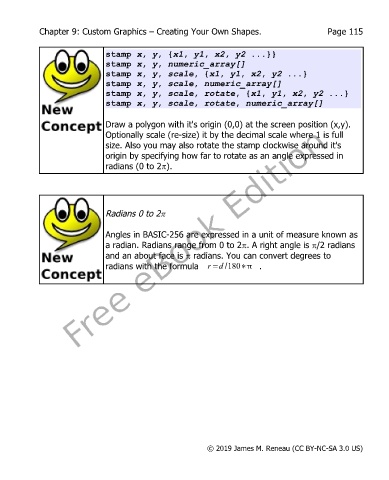
stamp x, y, {x1, y1, x2, y2 ...}}
stamp x, y, numeric_array[]
stamp x, y, scale, {x1, y1, x2, y2 ...}
stamp x, y, scale, numeric_array[]
stamp x, y, scale, rotate, {x1, y1, x2, y2 ...}
stamp x, y, scale, rotate, numeric_array[]
Draw a polygon with it's origin (0,0) at the screen position (x,y).
Optionally scale (re-size) it by the decimal scale where 1 is full
size. Also you may also rotate the stamp clockwise around it's
origin by specifying how far to rotate as an angle expressed in
radians (0 to 2p).
Radians 0 to 2p
Angles in BASIC-256 are expressed in a unit of measure known as
a radian. Radians range from 0 to 2p. A right angle is p/2 radians
and an about face is p radians. You can convert degrees to
radians with the formula r=d /180∗ .
© 2019 James M. Reneau (CC BY-NC-SA 3.0 US)

