


Page 166 - Learn to Program - Basic-256
P. 166
Chapter 11: Mouse Control – Moving Things Around.                               Page 150


        Chapter 11: Mouse Control – Moving Things

               Around.


               This chapter will show you how to make your program respond to a mouse.
               There are two different ways to use the mouse: tracking mode and clicking
               mode. Both are discussed with sample programs.


        Tracking Mode:


               In mouse tracking mode, there are three numeric functions (mousex,
               mousey, and mouseb) that will return the coordinates of the mouse pointer
               over the graphics output area. If the mouse is not over the graphics display
               area then the mouse movements will not be recorded (the last location will
               be returned).


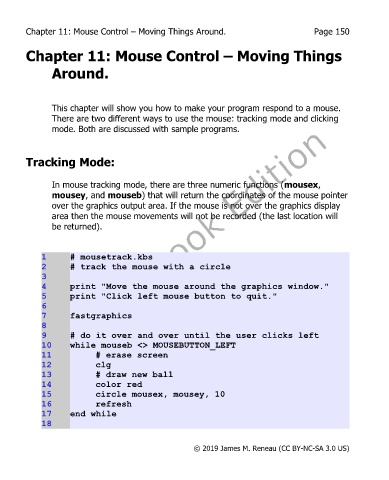
             1      # mousetrack.kbs
             2      # track the mouse with a circle
             3
             4      print "Move the mouse around the graphics window."
             5      print "Click left mouse button to quit."
             6
             7      fastgraphics
             8
             9      # do it over and over until the user clicks left
             10     while mouseb <> MOUSEBUTTON_LEFT
             11             # erase screen
             12             clg
             13             # draw new ball
             14             color red
             15             circle mousex, mousey, 10
             16             refresh
             17     end while
             18


                                                       © 2019 James M. Reneau (CC BY-NC-SA 3.0 US)

