


Page 214 - Learn to Program - Basic-256
P. 214
Chapter 14: Printing                                                            Page 198


        Chapter 14: Printing


               With BASIC-256 you can create output and send it to a printer or to a PDF
               document. The printer page it treated as if it was a big graphics area that
               you can draw text, shapes, polygons, stamps, lines, and points using the
               same graphics statements that you have used in previous chapters.


        Turning Printing On and Off


               To start printing, all you need to do is turn the printer on with the print on
               statement. Once you are finished creating your page or pages to print
               execute the print off statement.


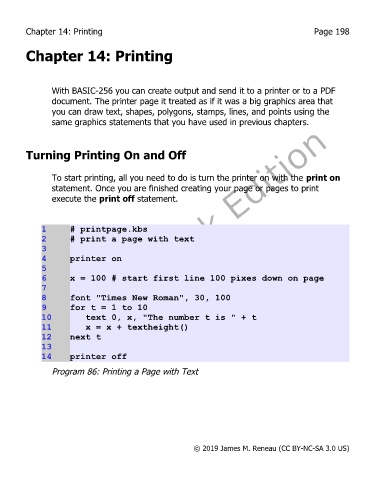
             1      # printpage.kbs
             2      # print a page with text
             3
             4      printer on
             5
             6      x = 100 # start first line 100 pixes down on page
             7
             8      font "Times New Roman", 30, 100
             9      for t = 1 to 10
             10        text 0, x, "The number t is " + t
             11        x = x + textheight()
             12     next t
             13
             14     printer off

               Program 86: Printing a Page with Text


                                                       © 2019 James M. Reneau (CC BY-NC-SA 3.0 US)

