


Page 33 - Learn to Program - Basic-256
P. 33
Chapter 2: Drawing Basic Shapes.                                                 Page 17


                   On line four you see the clg statement. It is much like the cls statement
                   from Chapter 1, except that the clg statement will clear the graphic output
                   area of the screen.


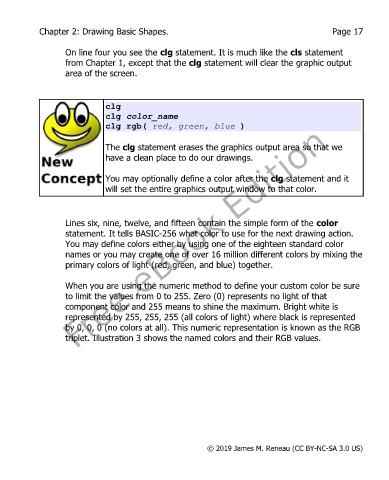
                              clg
                              clg color_name
                              clg rgb( red, green, blue )

                              The clg statement erases the graphics output area so that we
                              have a clean place to do our drawings.


                              You may optionally define a color after the clg statement and it
                              will set the entire graphics output window to that color.


                   Lines six, nine, twelve, and fifteen contain the simple form of the color
                   statement. It tells BASIC-256 what color to use for the next drawing action.
                   You may define colors either by using one of the eighteen standard color
                   names or you may create one of over 16 million different colors by mixing the
                   primary colors of light (red, green, and blue) together.


                   When you are using the numeric method to define your custom color be sure
                   to limit the values from 0 to 255. Zero (0) represents no light of that
                   component color and 255 means to shine the maximum. Bright white is
                   represented by 255, 255, 255 (all colors of light) where black is represented
                   by 0, 0, 0 (no colors at all). This numeric representation is known as the RGB
                   triplet. Illustration 3 shows the named colors and their RGB values.


                                                           © 2019 James M. Reneau (CC BY-NC-SA 3.0 US)

