


Page 85 - Scratch Programming Playground
P. 85
Save Point

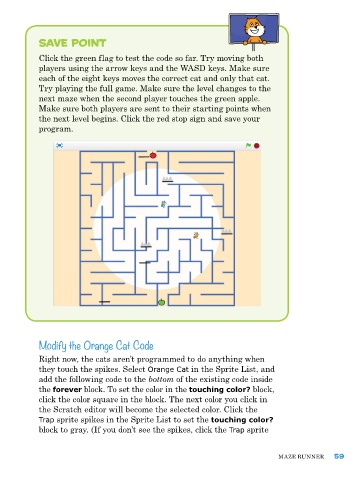
            Click the green flag to test the code so far. try moving both
            players using the arrow keys and the WaSD keys. Make sure
            each of the eight keys moves the correct cat and only that cat.
            try playing the full game. Make sure the level changes to the
            next maze when the second player touches the green apple.
            Make sure both players are sent to their starting points when
            the next level begins. Click the red stop sign and save your
            program.


            Modify the Orange Cat Code


            right now, the cats aren’t programmed to do anything when
            they touch the spikes. Select Orange Cat in the Sprite List, and
            add the following code to the bottom of the existing code inside
            the forever block. to set the color in the touching color? block,
            click the color square in the block. the next color you click in
            the Scratch editor will become the selected color. Click the
            Trap sprite spikes in the Sprite List to set the touching color?
            block to gray. (If you don’t see the spikes, click the Trap sprite


                                                                              Maze runner     59

