


Page 29 - SALES QUIDE QUICK REF RON
P. 29
Lumbermen’s GO: Initial Training
LOGIN: Lumbermen’s GO URL: http://lumbermens.dmsi.com/pv/Default.aspx
What can you do on Lumbermen’s GO?
• Order products
• Submit quote
• Check product availability (All branches!)
• Check pricing
• Provides a robust search tool
• Build your Quicklist of frequently ordered items
• View previous and pending orders
• And more!
Get Started
1. Set up your login: You will receive a username, user ID temporary password: Lumbermensgo1!
2. You will be asked to change your password upon login.
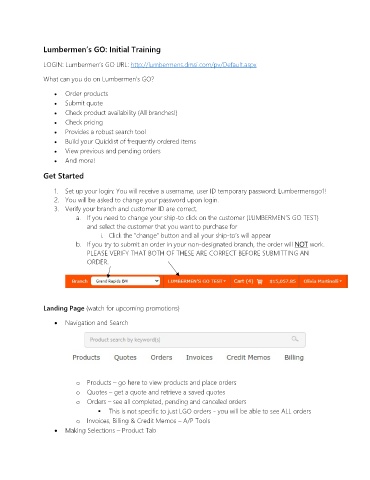
3. Verify your branch and customer ID are correct.
a. If you need to change your ship-to click on the customer (LUMBERMEN’S GO TEST)
and select the customer that you want to purchase for
i. Click the “change” button and all your ship-to’s will appear
b. If you try to submit an order in your non-designated branch, the order will NOT work.
PLEASE VERIFY THAT BOTH OF THESE ARE CORRECT BEFORE SUBMITTING AN
ORDER.
Landing Page (watch for upcoming promotions)
• Navigation and Search
o Products – go here to view products and place orders
o Quotes – get a quote and retrieve a saved quotes
o Orders – see all completed, pending and canceled orders
This is not specific to just LGO orders - you will be able to see ALL orders
o Invoices, Billing & Credit Memos – A/P Tools
• Making Selections – Product Tab

