


Page 14 - Google-Cheat-Sheets-eBook
P. 14
ADDING QUESTIONS, HEADERS AND PAGE BREAKS
*Note: This can be done from the Insert Menu, or “Add Item,” in editing Window.
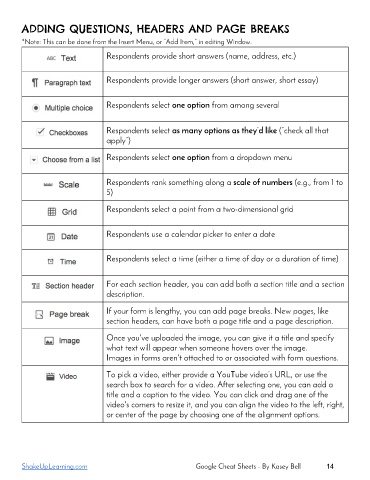
Respondents provide short answers (name, address, etc.)
Respondents provide longer answers (short answer, short essay)
Respondents select one option from among several
Respondents select as many options as they’d like (“check all that
apply”)
Respondents select one option from a dropdown menu
Respondents rank something along a scale of numbers (e.g., from 1 to
5)
Respondents select a point from a two-dimensional grid
Respondents use a calendar picker to enter a date
Respondents select a time (either a time of day or a duration of time)
For each section header, you can add both a section title and a section
description.
If your form is lengthy, you can add page breaks. New pages, like
section headers, can have both a page title and a page description.
Once you've uploaded the image, you can give it a title and specify
what text will appear when someone hovers over the image.
Images in forms aren't attached to or associated with form questions.
To pick a video, either provide a YouTube video’s URL, or use the
search box to search for a video. After selecting one, you can add a
title and a caption to the video. You can click and drag one of the
video's corners to resize it, and you can align the video to the left, right,
or center of the page by choosing one of the alignment options.
ShakeUpLearning.com Google Cheat Sheets - By Kasey Bell 14

