


Page 5 - Google-Cheat-Sheets-eBook
P. 5
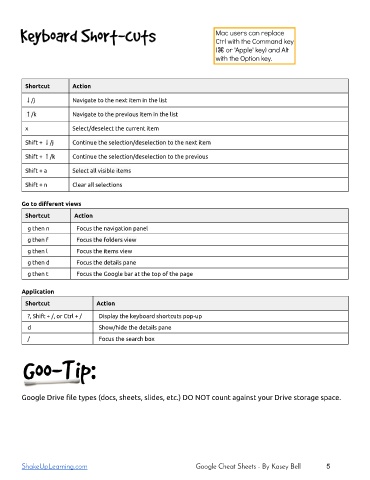
Shortcut        Action

         ↓/j             Navigate to the next item in the list

         ↑/k             Navigate to the previous item in the list

         x               Select/deselect the current item

         Shift + ↓/j     Continue the selection/deselection to the next item

         Shift + ↑/k     Continue the selection/deselection to the previous
         Shift + a       Select all visible items

         Shift + n       Clear all selections


        Go to different views

         Shortcut         Action
          g then n        Focus the navigation panel

          g then f        Focus the folders view
          g then l        Focus the items view
          g then d        Focus the details pane

          g then t        Focus the Google bar at the top of the page

        Application

         Shortcut                Action
          ?, Shift + /, or Ctrl + /   Display the keyboard shortcuts pop-up

          d                       Show/hide the details pane
          /                       Focus the search box


        Google Drive file types (docs, sheets, slides, etc.) DO NOT count against your Drive storage space.


        ShakeUpLearning.com                                       Google Cheat Sheets - By Kasey Bell        5

