


Page 90 - Computing E-Book Grade 7
P. 90
The City School  2021-2022


             3.10. Getting Familiar with Google Workspace


             G Workspace, also known as Google Suite or

             G Suite, is a collection of business, productivity,
             collaboration, and education software developed

             and powered by Google. The primary G Suite tools
             include Gmail, Drive, Docs, Sheets, Slides, Forms,

             Calendar, Google+, Sites, Hangouts, and Keep.


             3.11.  Google Drive


             The newest cloud-based storage system, Google Drive allows
             users to store files on their servers, synchronize files across

             devices, and share files. In addition to a website, Google Drive
             offers apps with offline capabilities for Windows and MacOS

             computers, and Android and iOS smartphones and tablets.
             Google Drive encompasses Google Docs, Google Sheets, and

             Google Slides, which are a part of an office suite that permits collaborative editing of
             documents, spreadsheets, presentations, drawings, forms, and more. Files created and

             edited through the office suite are saved in Google Drive and can be downloaded to a
             device in numerous formats especially which are compatible with Microsoft office.


             Accessing Google Drive

             There are a few methods in which we can access Google Drive. The easiest way is by

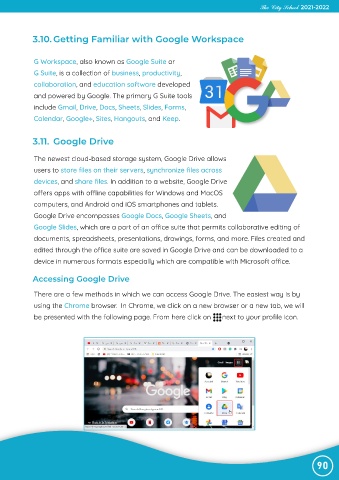
             using the Chrome browser.  In Chrome, we click on a new browser or a new tab, we will
             be presented with the following page. From here click on      next to your profile icon.


                                                                                                                90

