


Page 244 - Windows 10 May 2019 Update The Missing Manual: The Book That Should Have Been in the Box
P. 244
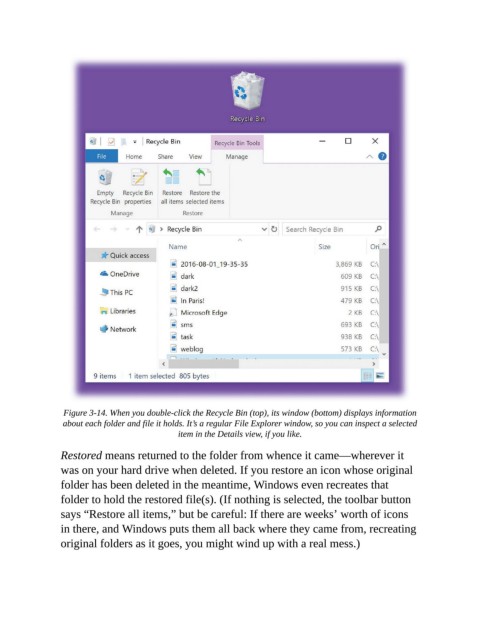
Figure 3-14. When you double-click the Recycle Bin (top), its window (bottom) displays information
                 about each folder and file it holds. It’s a regular File Explorer window, so you can inspect a selected
                                              item in the Details view, if you like.


                Restored means returned to the folder from whence it came—wherever it
                was on your hard drive when deleted. If you restore an icon whose original
                folder has been deleted in the meantime, Windows even recreates that

                folder to hold the restored file(s). (If nothing is selected, the toolbar button
                says “Restore all items,” but be careful: If there are weeks’ worth of icons
                in there, and Windows puts them all back where they came from, recreating

                original folders as it goes, you might wind up with a real mess.)

