


Page 85 - Windows 10 May 2019 Update The Missing Manual: The Book That Should Have Been in the Box
P. 85
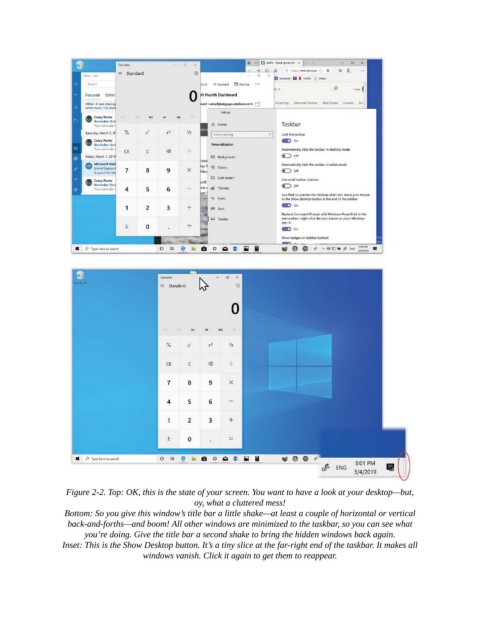
Figure 2-2. Top: OK, this is the state of your screen. You want to have a look at your desktop—but,
                                                   oy, what a cluttered mess!

                 Bottom: So you give this window’s title bar a little shake—at least a couple of horizontal or vertical
                  back-and-forths—and boom! All other windows are minimized to the taskbar, so you can see what
                       you’re doing. Give the title bar a second shake to bring the hidden windows back again.

                 Inset: This is the Show Desktop button. It’s a tiny slice at the far-right end of the taskbar. It makes all
                                     windows vanish. Click it again to get them to reappear.

