


Page 886 - Windows 10 May 2019 Update The Missing Manual: The Book That Should Have Been in the Box
P. 886
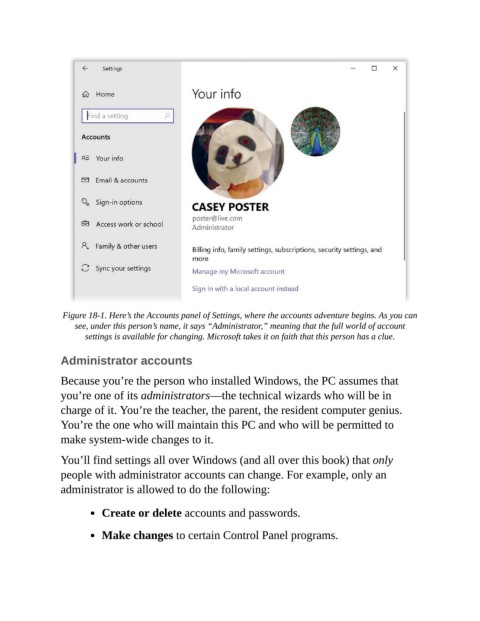
Figure 18-1. Here’s the Accounts panel of Settings, where the accounts adventure begins. As you can
                    see, under this person’s name, it says “Administrator,” meaning that the full world of account
                       settings is available for changing. Microsoft takes it on faith that this person has a clue.

                Administrator accounts


                Because you’re the person who installed Windows, the PC assumes that
                you’re one of its administrators—the technical wizards who will be in
                charge of it. You’re the teacher, the parent, the resident computer genius.

                You’re the one who will maintain this PC and who will be permitted to
                make system-wide changes to it.

                You’ll find settings all over Windows (and all over this book) that only

                people with administrator accounts can change. For example, only an
                administrator is allowed to do the following:


                           Create or delete accounts and passwords.

                           Make changes to certain Control Panel programs.

