


Page 919 - Windows 10 May 2019 Update The Missing Manual: The Book That Should Have Been in the Box
P. 919
GEM IN THE ROUGH DYNAMIC LOCK: THE INVISIBLE
                                                   PHONE LEASH

                   Windows 10 can use some high-tech tricks to unlock your PC when you

                   sit down at it—face recognition, fingerprint, or whatever. But it can also
                   use a high-tech trick to lock your PC when you step away from it.


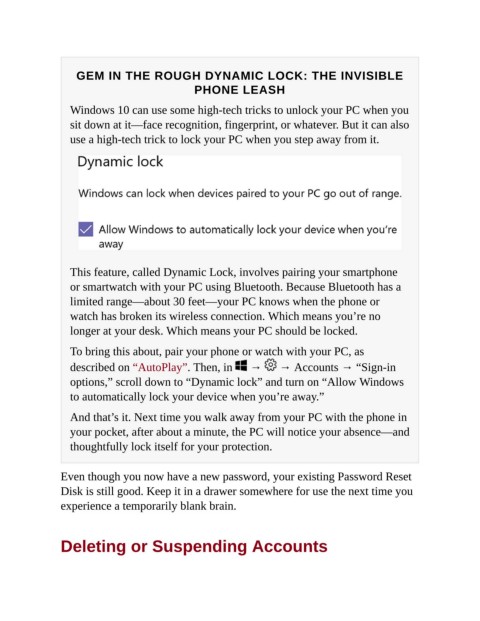
                   This feature, called Dynamic Lock, involves pairing your smartphone

                   or smartwatch with your PC using Bluetooth. Because Bluetooth has a
                   limited range—about 30 feet—your PC knows when the phone or
                   watch has broken its wireless connection. Which means you’re no

                   longer at your desk. Which means your PC should be locked.

                   To bring this about, pair your phone or watch with your PC, as

                   described on “AutoPlay”. Then, in   →   → Accounts → “Sign-in
                   options,” scroll down to “Dynamic lock” and turn on “Allow Windows
                   to automatically lock your device when you’re away.”


                   And that’s it. Next time you walk away from your PC with the phone in
                   your pocket, after about a minute, the PC will notice your absence—and
                   thoughtfully lock itself for your protection.


                Even though you now have a new password, your existing Password Reset
                Disk is still good. Keep it in a drawer somewhere for use the next time you

                experience a temporarily blank brain.


                Deleting or Suspending Accounts

