


Page 968 - Windows 10 May 2019 Update The Missing Manual: The Book That Should Have Been in the Box
P. 968
POWER USERS’ CLINIC DUAL BOOTING

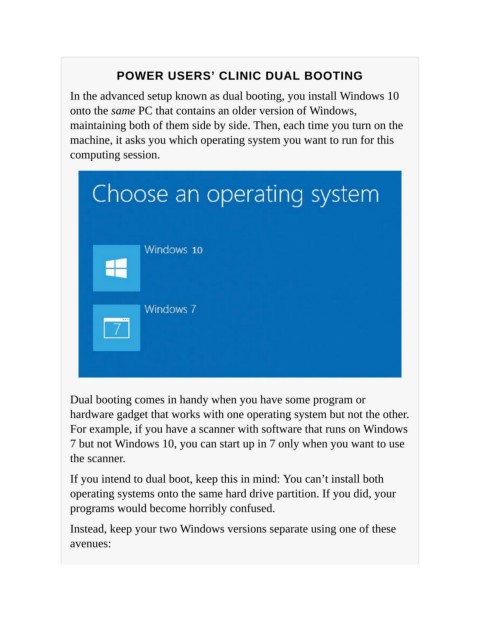
                   In the advanced setup known as dual booting, you install Windows 10
                   onto the same PC that contains an older version of Windows,

                   maintaining both of them side by side. Then, each time you turn on the
                   machine, it asks you which operating system you want to run for this

                   computing session.


                   Dual booting comes in handy when you have some program or
                   hardware gadget that works with one operating system but not the other.
                   For example, if you have a scanner with software that runs on Windows

                   7 but not Windows 10, you can start up in 7 only when you want to use
                   the scanner.

                   If you intend to dual boot, keep this in mind: You can’t install both

                   operating systems onto the same hard drive partition. If you did, your
                   programs would become horribly confused.

                   Instead, keep your two Windows versions separate using one of these

                   avenues:

