


Page 24 - DAX-Formula-Reference-Guide-Enterprise-DNA_Neat
P. 24
DAX Formulas Reference Guide  |  Filter Functions (DAX)


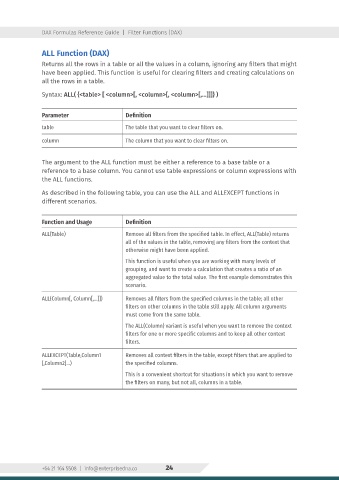
                ALL Function (DAX)
                Returns all the rows in a table or all the values in a column, ignoring any filters that might
                have been applied. This function is useful for clearing filters and creating calculations on
                all the rows in a table.

                Syntax: ALL( {<table> [ <column>[, <column>[, <column>[,…]]]} )


                Parameter                    Definition
                table                        The table that you want to clear filters on.

                column                       The column that you want to clear filters on.


                The argument to the ALL function must be either a reference to a base table or a
                reference to a base column. You cannot use table expressions or column expressions with
                the ALL functions.

                As described in the following table, you can use the ALL and ALLEXCEPT functions in
                different scenarios.


                Function and Usage           Definition
                ALL(Table)                   Remove all filters from the specified table. In effect, ALL(Table) returns
                                             all of the values in the table, removing any filters from the context that
                                             otherwise might have been applied.
                                             This function is useful when you are working with many levels of
                                             grouping, and want to create a calculation that creates a ratio of an
                                             aggregated value to the total value. The first example demonstrates this
                                             scenario.
                ALL(Column[, Column[,…]])    Removes all filters from the specified columns in the table; all other
                                             filters on other columns in the table still apply. All column arguments
                                             must come from the same table.
                                             The ALL(Column) variant is useful when you want to remove the context
                                             filters for one or more specific columns and to keep all other context
                                             filters.

                ALLEXCEPT(Table,Column1      Removes all context filters in the table, except filters that are applied to
                [,Column2]…)                 the specified columns.
                                             This is a convenient shortcut for situations in which you want to remove
                                             the filters on many, but not all, columns in a table.


                +64 21 164 5508  |  info@enterprisedna.co  24

