


Page 37 - TCS ICT Book 5
P. 37
The City School  2021-2022


                   Let’s Review


            1.  Filmora is a fast, easy way to turn photos and videos into great-looking movies and
               slide shows you can share.

            2.  The default aspect ratio is 16:9.
            3.  Ctrl allows you to select multiple files that are anywhere on your file list, not

               necessarily next to each other.
            4.  Shift allows you to select a group of files that are next to each other

            5.  Filmora9 also has an option for you to quick trim from the start or end of a clip.
            6.  Zoom in mode allows to zoom in from the larger green frame to the smaller red

               frame.
            7.  Pan left mode moves horizontally from the green frame on the left to the red frame

               on the right.
            8.  Pan right mode moves horizontally from the green frame on the right to the red

               frame on the left.
            9.  Transitions can be applied to single clips or in between all of the clips on the timeline

               in Filmora9.
            10. The effects are organized in three different categories; Filters, Overlays, and Utility

               Effects.
            11.  Elements allow you to add arrows to a video that draw the viewer’s attention to an

               important detail in the shot or emojis that make your videos more cheerful.


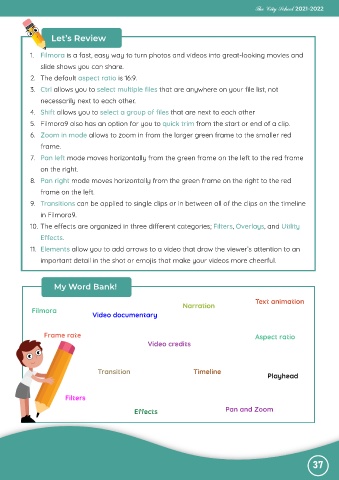
                    My Word Bank!

                                                                                           Text animation
                                                                 Narration
            Filmora
                                 Video documentary


                 Frame rate                                                                Aspect ratio
                                                     Video credits


                                   Transition                        Timeline
                                                                                               Playhead


                        Filters

                                                Effects                         Pan and Zoom


                                                                                                               37

