


Page 132 - Learn To Use HTML and CSS
P. 132
So You Want to Learn to Use HTML and CSS – Version 2020-06-12a                       Page 122
               Chapter 12 — Forms and Input Elements


             Free


             eBook


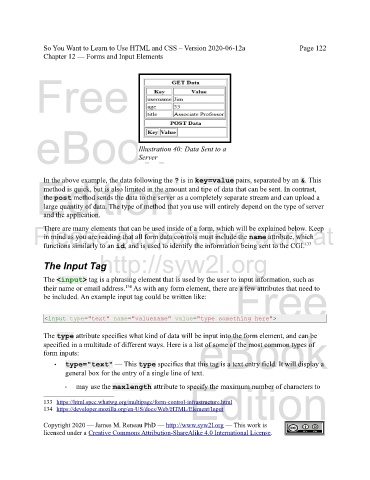
                                               Illustration 40: Data Sent to a
                                               Server


             Edition
               In the above example, the data following the ? is in key=value pairs, separated by an &. This
               method is quick, but is also limited in the amount and tipe of data that can be sent. In contrast,
               the post method sends the data to the server as a completely separate stream and can upload a
               large quantity of data. The type of method that you use will entirely depend on the type of server
               and the application.
            Please support this work at
               There are many elements that can be used inside of a form, which will be explained below. Keep
               in mind as you are reading that all form data controls must include the name attribute, which
                                                                                                      133
               functions similarly to an id, and is used to identify the information being sent to the CGI.
                                  http://syw2l.org
               The Input Tag

               The <input> tag is a phrasing element that is used by the user to input information, such as
               their name or email address.  As with any form element, there are a few attributes that need to
                                           134
               be included. An example input tag could be written like:        Free


                <input type="text" name="valuename" value="type something here">

               The type attribute specifies what kind of data will be input into the form element, and can be
               specified in a multitude of different ways. Here is a list of some of the most common types of
               form inputs:                                        eBook
                   •   type="text" — This type specifies that this tag is a text entry field. It will display a
                       general box for the entry of a single line of text.
                                                                Edition
                       ‣  may use the maxlength attribute to specify the maximum number of characters to

               133 https://html.spec.whatwg.org/multipage/form-control-infrastructure.html


               134 https://developer.mozilla.org/en-US/docs/Web/HTML/Element/Input
               Copyright 2020 — James M. Reneau PhD — http://www.syw2l.org — This work is
               licensed under a Creative Commons Attribution-ShareAlike 4.0 International License.

