


Page 75 - Learn To Use HTML and CSS
P. 75
So You Want to Learn to Use HTML and CSS – Version 2020-06-12a                        Page 65
               Chapter 6 — The CSS Box Model: Borders, Margin, and Padding

               effect how they are displayed on a webpage. It is possible, however, to use the display property
             Free
               in CSS to force these elements to behave the way that you want them to do. For instance:
                       display: block; — This will force a Phrasing element to behave like a Flow
                   •
                       element.

                   •   display: inline; — This will force a Flow element to behave like a Phrasing
                       element.
             eBook                                                            84
                       display: inline-block; — Specifying this property will create Flow elements
                   •
                       that can be displayed side-by-side like Phrasing elements.

               Centering Images and Text

             Edition
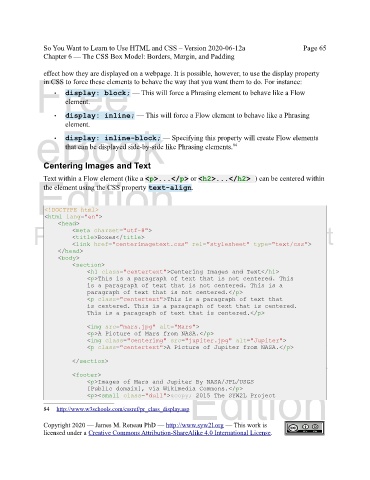
               Text within a Flow element (like a <p>...</p> or <h2>...</h2> ) can be centered within
               the element using the CSS property text-align.


                <!DOCTYPE html>
                <html lang="en">
                    <head>
            Please support this work at
                         <meta charset="utf-8">
                         <title>Boxes</title>
                         <link href="centerimagetext.css" rel="stylesheet" type="text/css">
                    </head>
                                  http://syw2l.org
                    <body>
                         <section>
                              <h1 class="centertext">Centering Images and Text</h1>
                              <p>This is a paragraph of text that is not centered. This
                                                                               Free
                              is a paragraph of text that is not centered. This is a
                              paragraph of text that is not centered.</p>
                              <p class="centertext">This is a paragraph of text that
                              is centered. This is a paragraph of text that is centered.
                              This is a paragraph of text that is centered.</p>

                              <img src="mars.jpg" alt="Mars">
                                                                   eBook
                              <p>A Picture of Mars from NASA.</p>
                              <img class="centerimg" src="jupiter.jpg" alt="Jupiter">
                              <p class="centertext">A Picture of Jupiter from NASA.</p>

                         </section>

                         <footer>
                              <p>Images of Mars and Jupiter By NASA/JPL/USGS
                                                                Edition
                              [Public domain], via Wikimedia Commons.</p>
                              <p><small class="dull">© 2015 The SYW2L Project

               84     http://www.w3schools.com/cssref/pr_class_display.asp

               Copyright 2020 — James M. Reneau PhD — http://www.syw2l.org — This work is
               licensed under a Creative Commons Attribution-ShareAlike 4.0 International License.

