


Page 359 - Learn to Program - Basic-256
P. 359
Appendix A: Loading BASIC-256 on your Windows PC                                Page 343


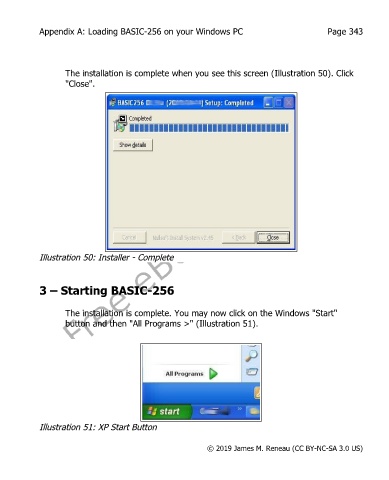
                   The installation is complete when you see this screen (Illustration 50). Click
                   "Close".


            Illustration 50: Installer - Complete


            3 – Starting BASIC-256


                   The installation is complete. You may now click on the Windows "Start"
                   button and then "All Programs >" (Illustration 51).


            Illustration 51: XP Start Button


                                                           © 2019 James M. Reneau (CC BY-NC-SA 3.0 US)

