


Page 46 - Learn to Program - Basic-256
P. 46
Chapter 2: Drawing Basic Shapes.                                                  Page 30


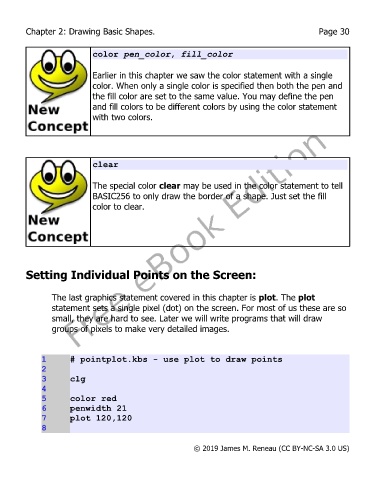
                           color pen_color, fill_color

                           Earlier in this chapter we saw the color statement with a single
                           color. When only a single color is specified then both the pen and
                           the fill color are set to the same value. You may define the pen
                           and fill colors to be different colors by using the color statement
                           with two colors.


                           clear

                           The special color clear may be used in the color statement to tell
                           BASIC256 to only draw the border of a shape. Just set the fill
                           color to clear.


        Setting Individual Points on the Screen:


               The last graphics statement covered in this chapter is plot. The plot
               statement sets a single pixel (dot) on the screen. For most of us these are so
               small, they are hard to see. Later we will write programs that will draw
               groups of pixels to make very detailed images.


             1      # pointplot.kbs - use plot to draw points
             2
             3      clg
             4
             5      color red
             6      penwidth 21
             7      plot 120,120
             8


                                                       © 2019 James M. Reneau (CC BY-NC-SA 3.0 US)

