


Page 52 - Learn to Program - Basic-256
P. 52
Chapter 2: Drawing Basic Shapes.                                                  Page 36


        Exercises:


                                             r e t a n i d r o o c
                                             e e a r a e l c r u m
                                             m e l c r i c e s s r
                                             a c k v c e c c u y o
                                             r y j l n t i i t p l
                                             k a g t a h d h w l o
                                             q n e n p a g i q o c
                                             y r g a r i d p j t e
                                             c l r e e t s a v e h
                                             e g p h h u e n i l d
                                             j r x p e n w i d t h


                           center, circle, clear, clg, color, coordinate, cyan, graphics, height,
                           line, penwidth, plot, radius, rectangle, remark, save, width


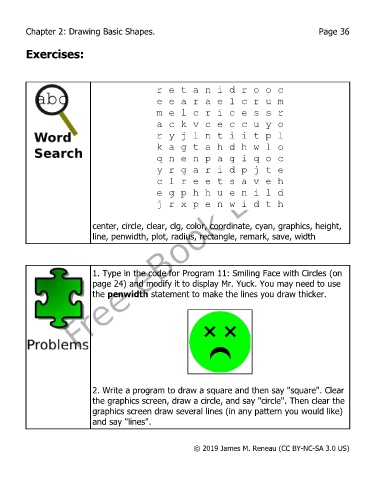
                           1. Type in the code for Program 11: Smiling Face with Circles (on
                           page 24) and modify it to display Mr. Yuck. You may need to use
                           the penwidth statement to make the lines you draw thicker.


                           2. Write a program to draw a square and then say "square". Clear
                           the graphics screen, draw a circle, and say "circle". Then clear the
                           graphics screen draw several lines (in any pattern you would like)
                           and say "lines".


                                                       © 2019 James M. Reneau (CC BY-NC-SA 3.0 US)

