


Page 59 - Learn to Program - Basic-256
P. 59
Chapter 3 – Variables                                                            Page 43


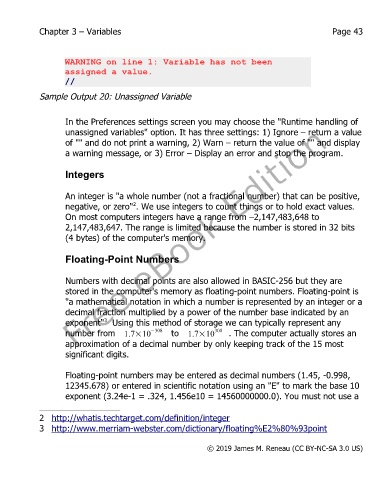
                   WARNING on line 1: Variable has not been
                   assigned a value.
                   //

            Sample Output 20: Unassigned Variable


                   In the Preferences settings screen you may choose the "Runtime handling of
                   unassigned variables" option. It has three settings: 1) Ignore – return a value
                   of "" and do not print a warning, 2) Warn – return the value of "" and display
                   a warning message, or 3) Error – Display an error and stop the program.

                   Integers


                   An integer is "a whole number (not a fractional number) that can be positive,
                   negative, or zero" . We use integers to count things or to hold exact values.
                                      2
                   On most computers integers have a range from –2,147,483,648 to
                   2,147,483,647. The range is limited because the number is stored in 32 bits
                   (4 bytes) of the computer's memory.


                   Floating-Point Numbers


                   Numbers with decimal points are also allowed in BASIC-256 but they are
                   stored in the computer's memory as floating-point numbers. Floating-point is
                   "a mathematical notation in which a number is represented by an integer or a
                   decimal fraction multiplied by a power of the number base indicated by an
                   exponent"   Using this method of storage we can typically represent any
                              3
                   number from  1.7×10     −308   to  1.7×10 308  . The computer actually stores an
                   approximation of a decimal number by only keeping track of the 15 most
                   significant digits.


                   Floating-point numbers may be entered as decimal numbers (1.45, -0.998,
                   12345.678) or entered in scientific notation using an "E" to mark the base 10
                   exponent (3.24e-1 = .324, 1.456e10 = 14560000000.0). You must not use a


            2 http://whatis.techtarget.com/definition/integer
            3 http://www.merriam-webster.com/dictionary/floating%E2%80%93point


                                                           © 2019 James M. Reneau (CC BY-NC-SA 3.0 US)

