


Page 58 - Scratch Programming Playground
P. 58
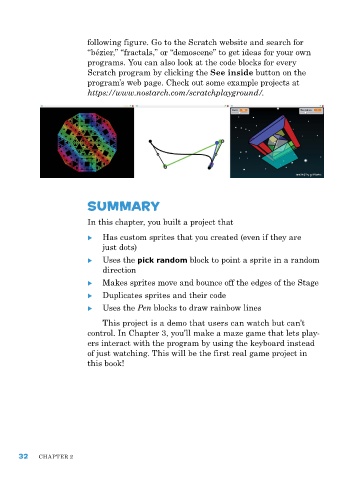
following figure. Go to the Scratch website and search for
                         “bézier,” “fractals,” or “demoscene” to get ideas for your own
                         programs. You can also look at the code blocks for every
                         Scratch program by clicking the See inside button on the
                         program’s web page. Check out some example projects at
                         https://www.nostarch.com/scratchplayground/.


                         summary


                         In this chapter, you built a project that

                         X X has custom sprites that you created (even if they are
                             just dots)

                         X X Uses the pick random block to point a sprite in a random
                              direction

                         X X Makes sprites move and bounce off the edges of the Stage
                         X X Duplicates sprites and their code
                         X X Uses the Pen blocks to draw rainbow lines
                             This project is a demo that users can watch but can’t
                         control. In Chapter 3, you’ll make a maze game that lets play-
                         ers interact with the program by using the keyboard instead
                         of just watching. This will be the first real game project in
                         this book!


      32    ChapTer 2

