


Page 53 - Scratch Programming Playground
P. 53
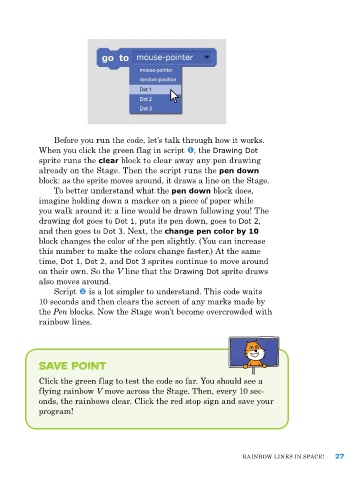
Before you run the code, let’s talk through how it works.
when you click the green flag in script , the Drawing Dot
sprite runs the clear block to clear away any pen drawing
already on the Stage. Then the script runs the pen down
block: as the sprite moves around, it draws a line on the Stage.
To better understand what the pen down block does,
imagine holding down a marker on a piece of paper while
you walk around it: a line would be drawn following you! The
drawing dot goes to Dot 1, puts its pen down, goes to Dot 2,
and then goes to Dot 3. next, the change pen color by 10
block changes the color of the pen slightly. (You can increase
this number to make the colors change faster.) at the same
time, Dot 1, Dot 2, and Dot 3 sprites continue to move around
on their own. So the V line that the Drawing Dot sprite draws
also moves around.
Script is a lot simpler to understand. This code waits
10 seconds and then clears the screen of any marks made by
the Pen blocks. now the Stage won’t become overcrowded with
rainbow lines.
save point
Click the green flag to test the code so far. You should see a
flying rainbow V move across the Stage. Then, every 10 sec-
onds, the rainbows clear. Click the red stop sign and save your
program!
raInBow LIneS In SpaCe! 27

