


Page 148 - Programming With Python 3
P. 148
An Introduction to STEM Programming with Python — 2019-09-03a                              Page 135
            Chapter 11 — Date and Time

               6|          datetime.datetime.utcnow()).total_seconds())))

             Free
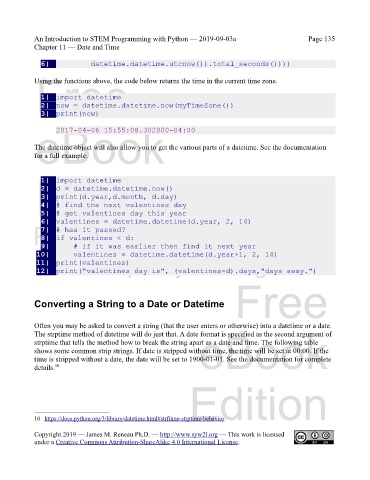
            Using the functions above, the code below returns the time in the current time zone.

               1|  import datetime
               2|  now = datetime.datetime.now(myTimeZone())
               3|  print(now)
             eBook
                    2017-04-06 15:55:08.302000-04:00


            The datetime object will also allow you to get the various parts of a datetime. See the documentation
            for a full example.


             Edition
               1|  import datetime
               2|  d = datetime.datetime.now()
               3|  print(d.year,d.month, d.day)
               4|  # find the next valentines day
               5|  # get valentines day this year
               6|  valentines = datetime.datetime(d.year, 2, 14)
            Please support this work at
               7|  # has it passed?
               8|  if valentines < d:
               9|      # if it was earlier then find it next year
             10|      valentines = datetime.datetime(d.year+1, 2, 14)
                                  http://syw2l.org
             11|  print(valentines)
             12|  print("valentines day is", (valentines-d).days,"days away.")
                                                                               Free


            Converting a String to a Date or Datetime


            Often you may be asked to convert a string (that the user enters or otherwise) into a datetime or a date.
                                                                   eBook
            The strptime method of datetime will do just that. A date format is specified as the second argument of
            strptime that tells the method how to break the string apart as a date and time. The following table
            shows some common strip strings. If date is stripped without time, the time will be set at 00:00. If the
            time is stripped without a date, the date will be set to 1900-01-01. See the documentation for complete
            details. 10

                                                                Edition


            10 https://docs.python.org/3/library/datetime.html#strftime-strptime-behavior
            Copyright 2019 — James M. Reneau Ph.D. — http://www.syw2l.org — This work is licensed
            under a Creative Commons Attribution-ShareAlike 4.0 International License.

