


Page 180 - Programming With Python 3
P. 180
An Introduction to STEM Programming with Python — 2019-09-03a                              Page 167
            Chapter 15 — Reading Data from the Web

               6|      soup = bs4.BeautifulSoup(html, 'html.parser')
               7|
             Free
               8|      # get first paragraph inside a tag with a class of site-info
               9|      # remember to use the indexing operator to get the first one
             10|      print('********** get first paragraph in site_info')
             11|      tag = soup.select(".site-info p")[0]
             12|      print(tag)
             13|
             eBook
             14|      # find all img tags
             15|      print("********** all em tags on page")
             16|      for tag in soup.select("em"):
             17|          print(tag)

                    ********** get first paragraph in site_info
             Edition
                    <p>C) 2019 J.M.Reneau - All Rights Reserved - Wordpress design
                    by <a href="https://www.luzuk.com/"
                    target="_blank">Luzuk</a></p>
                    ********** all em tags on page
                    <em>So you Want to Learn to Program – BASIC-256 – Book</em>
                    <em> </em>
            Please support this work at
                    <em>An Introduction to STEM Programming with Python 3 –
                    Book</em>


                                  http://syw2l.org
            Getting Text and Attributes from Elements


                                                                               Free
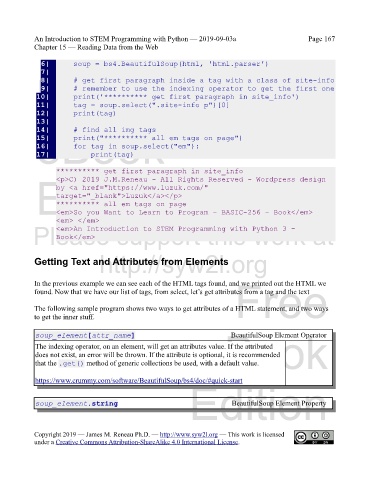
            In the previous example we can see each of the HTML tags found, and we printed out the HTML we
            found. Now that we have our list of tags, from select, let’s get attributes from a tag and the text


            The following sample program shows two ways to get attributes of a HTML statement, and two ways
            to get the inner stuff.


                                                                   eBook
             soup_element[attr_name]                                         BeautifulSoup Element Operator
             The indexing operator, on an element, will get an attributes value. If the attributed
             does not exist, an error will be thrown. If the attribute is optional, it is recommended
             that the .get() method of generic collections be used, with a default value.


             https://www.crummy.com/software/BeautifulSoup/bs4/doc/#quick-start
                                                                Edition

             soup_element.string                                              BeautifulSoup Element Property


            Copyright 2019 — James M. Reneau Ph.D. — http://www.syw2l.org — This work is licensed
            under a Creative Commons Attribution-ShareAlike 4.0 International License.

