


Page 176 - Programming With Python 3
P. 176
An Introduction to STEM Programming with Python — 2019-09-03a                              Page 163
            Chapter 15 — Reading Data from the Web


            pip install beautifulsoup4
             Free
            or


            apt-get install python3-bs4


            Red Hat/CentOS style LINUX
             eBook

            From a terminal window you may install BeautifulSoup 4.x using pip, or by using the Debian
            Advanced Package Tool (apt).

            pip install beautifulsoup4
             Edition
            or

            yum install python-beautifulsoup4


            Parsing HTML and Showing it Nicely
            Please support this work at


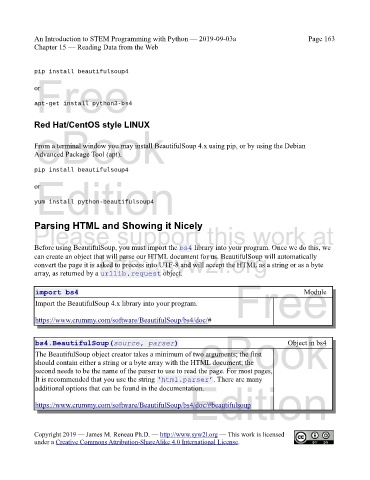
            Before using BeautifulSoup, you must import the bs4 library into your program. Once we do this, we
                                  http://syw2l.org
            can create an object that will parse our HTML document for us. BeautifulSoup will automatically
            convert the page it is asked to process into UTF-8 and will accept the HTML as a string or as a byte
            array, as returned by a urllib.request object.
                                                                               Free

             import bs4                                                                               Module
             Import the BeautifulSoup 4.x library into your program.

             https://www.crummy.com/software/BeautifulSoup/bs4/doc/#

                                                                   eBook
             bs4.BeautifulSoup(source, parser)                                                  Object in bs4
             The BeautifulSoup object creator takes a minimum of two arguments; the first
             should contain either a string or a byte array with the HTML document; the
             second needs to be the name of the parser to use to read the page. For most pages,
             It is recommended that you use the string ‘html.parser’. There are many
                                                                Edition
             additional options that can be found in the documentation.


             https://www.crummy.com/software/BeautifulSoup/bs4/doc/#beautifulsoup


            Copyright 2019 — James M. Reneau Ph.D. — http://www.syw2l.org — This work is licensed
            under a Creative Commons Attribution-ShareAlike 4.0 International License.

