


Page 266 - Programming With Python 3
P. 266
An Introduction to STEM Programming with Python — 2019-09-03a                              Page 253
            Bonus Chapter 5 — Using IDLE


             Free


             eBook


             Edition

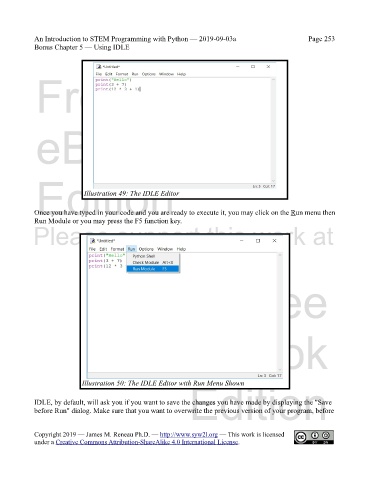
                             Illustration 49: The IDLE Editor


            Once you have typed in your code and you are ready to execute it, you may click on the Run menu then
            Run Module or you may press the F5 function key.
            Please support this work at


                                  http://syw2l.org


                                                                               Free


                                                                   eBook


                                                                Edition
                            Illustration 50: The IDLE Editor with Run Menu Shown

            IDLE, by default, will ask you if you want to save the changes you have made by displaying the "Save
            before Run" dialog. Make sure that you want to overwrite the previous version of your program, before


            Copyright 2019 — James M. Reneau Ph.D. — http://www.syw2l.org — This work is licensed
            under a Creative Commons Attribution-ShareAlike 4.0 International License.

