


Page 268 - Programming With Python 3
P. 268
An Introduction to STEM Programming with Python — 2019-09-03a                              Page 255
            Bonus Chapter 5 — Using IDLE


             Free


             eBook


             Edition


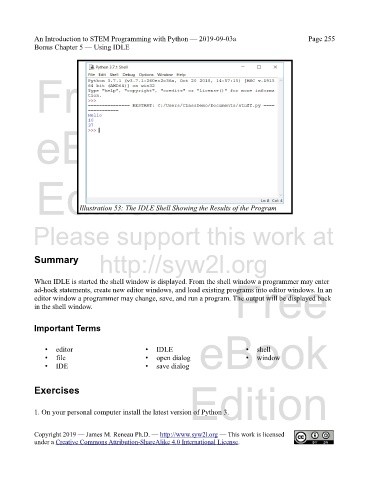
                           Illustration 53: The IDLE Shell Showing the Results of the Program


            Please support this work at


                                  http://syw2l.org
            Summary


                                                                               Free
            When IDLE is started the shell window is displayed. From the shell window a programmer may enter
            ad-hock statements, create new editor windows, and load existing programs into editor windows. In an
            editor window a programmer may change, save, and run a program. The output will be displayed back
            in the shell window.


            Important Terms


                •   editor                       •   IDLE          eBook
                                                                                  •
                                                                                      shell
                •   file                         •   open dialog                  •   window
                •   IDE                          •   save dialog

                                                                Edition
            Exercises


            1. On your personal computer install the latest version of Python 3.


            Copyright 2019 — James M. Reneau Ph.D. — http://www.syw2l.org — This work is licensed
            under a Creative Commons Attribution-ShareAlike 4.0 International License.

