


Page 11 - Xamarin Android Application Development
P. 11
Layout                                                                                       7


               Also, it’s not obvious that; the number of columns present in first row would be same in the following
               Row. That’s the poor thing about it; each row’s column count is dependent on its children count.

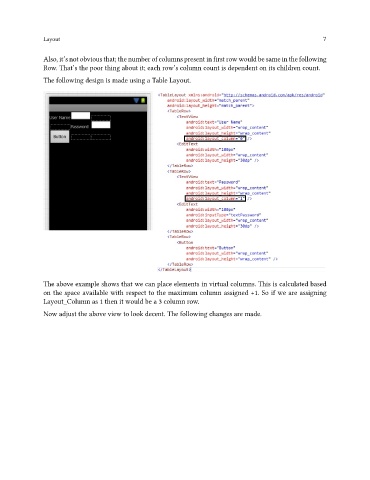
               The following design is made using a Table Layout.


               The above example shows that we can place elements in virtual columns. This is calculated based
               on the space available with respect to the maximum column assigned +1. So if we are assigning
               Layout_Column as 1 then it would be a 3 column row.

               Now adjust the above view to look decent. The following changes are made.

