


Page 123 - Computing E-Book Grade 7
P. 123
The City School  2021-2022


             5.9.  Calculation with Numbers


             We can also use Python to do any kind of calculation: addition, subtraction,

             multiplication, division, etc. The rules that we have learned in Microsoft Excel for the use
             of parentheses apply here, too.

             For example, let’s suppose that we want to display the term percentage of a student
             for a subject by using averages in exam marks and course work. Multiplications and

             divisions are calculated before additions and subtractions. This means that 4+2*5 gives                 Programming the Computer-Python
             you 14 and not 30. Use parentheses to prioritize the sequence of calculations. For this

             example, we will also look into the user interaction using INPUT feature of python to
             take data from the user end.


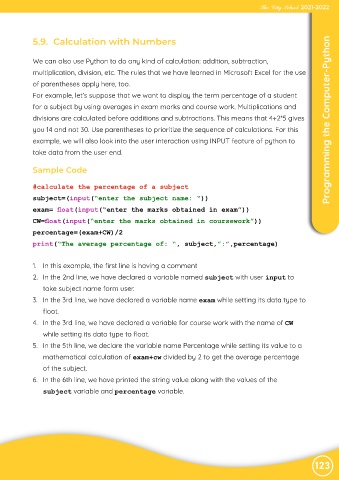
             Sample Code


             #calculate the percentage of a subject

             subject=(input(“enter the subject name: “))

             exam= float(input(“enter the marks obtained in exam”))
             CW=float(input(“enter the marks obtained in coursework”))
             percentage=(exam+CW)/2

             print(“The average percentage of: “, subject,”:”,percentage)


             1.  In this example, the first line is having a comment

             2.  In the 2nd line, we have declared a variable named subject with user input to
                take subject name form user.

             3.  In the 3rd line, we have declared a variable name exam while setting its data type to
                float.

             4.  In the 3rd line, we have declared a variable for course work with the name of CW
                while setting its data type to float.

             5.  In the 5th line, we declare the variable name Percentage while setting its value to a
                mathematical calculation of exam+cw divided by 2 to get the average percentage

                of the subject.
             6.  In the 6th line, we have printed the string value along with the values of the

                subject variable and percentage variable.


                                                                                                                123

