


Page 50 - Computing E-Book Grade 7
P. 50
The City School  2021-2022


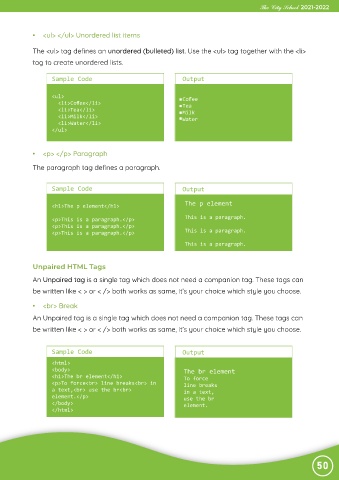
             •  <ul> </ul> Unordered list items


             The <ul> tag defines an unordered (bulleted) list. Use the <ul> tag together with the <li>
             tag to create unordered lists.


                   Sample Code                                   Output


                   <ul>                                          Coffee
                     <li>Coffee</li>                              Tea
                     <li>Tea</li>                                Milk
                     <li>Milk</li>                               Water
                     <li>Water</li>
                   </ul>


             •  <p> </p> Paragraph


             The paragraph tag defines a paragraph.


                   Sample Code                                   Output


                                                                  The p element
                   <h1>The p element</h1>
                   <p>This is a paragraph.</p>                    This is a paragraph.
                   <p>This is a paragraph.</p>
                   <p>This is a paragraph.</p>                    This is a paragraph.

                                                                  This is a paragraph.


             Unpaired HTML Tags

             An Unpaired tag is a single tag which does not need a companion tag. These tags can

             be written like < > or < /> both works as same, it’s your choice which style you choose.

             •  <br> Break
             An Unpaired tag is a single tag which does not need a companion tag. These tags can

             be written like < > or < /> both works as same, it’s your choice which style you choose.


                   Sample Code                                   Output

                   <html>
                   <body>                                         The br element
                   <h1>The br element</h1>                        To force
                   <p>To force<br> line breaks<br> in             line breaks
                   a text,<br> use the br<br>                     in a text,
                   element.</p>                                   use the br
                   </body>                                        element.
                   </html>


                                                                                                                50

