


Page 74 - Computing E-Book Grade 7
P. 74
The City School  2021-2022


             •  Label: information is used to place the title along with form element, but in this case,
                we are already using the table, therefore, no need to fill in the label information and

                also select the option of “No Label tag”.
             •  The access key: is used to assign a specific hotkey to directly shift the cursor focus

                by pressing Alt+“Access Key”.
             •  Tab index: is the sequence of cursor focus, if we enter 3 over here then the cursor

                will focus this specific text field on the third press of the TAB key.


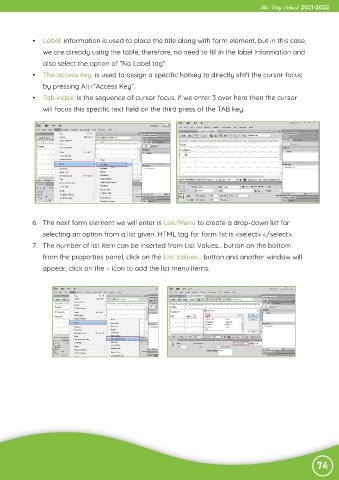
            6.  The next form element we will enter is List/Menu to create a drop-down list for
                selecting an option from a list given. HTML tag for form list is <select> </select>.

            7.  The number of list item can be inserted from List Values… button on the bottom
                from the properties panel, click on the List Values… button and another window will

                appear, click on the + icon to add the list menu items.


                                                                                                                74

