


Page 133 - Computing E-Book Grade 6
P. 133
The City School  2021-2022


             9.  Backstage View


                                                                                                                    Handling Databases
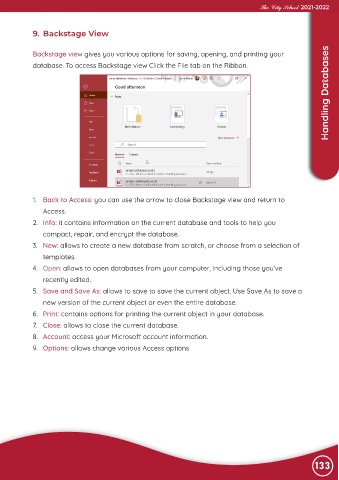
             Backstage view gives you various options for saving, opening, and printing your
             database. To access Backstage view Click the File tab on the Ribbon.


             1.  Back to Access: you can use the arrow to close Backstage view and return to
                Access.

             2.  Info: it contains information on the current database and tools to help you
                compact, repair, and encrypt the database.

             3.  New: allows to create a new database from scratch, or choose from a selection of
                templates.

             4.  Open: allows to open databases from your computer, including those you’ve
                recently edited.

             5.  Save and Save As: allows to save to save the current object. Use Save As to save a
                new version of the current object or even the entire database.

             6.  Print: contains options for printing the current object in your database.
             7.  Close: allows to close the current database.

             8.  Account: access your Microsoft account information.
             9.  Options: allows change various Access options


                                                                                                                133

