


Page 168 - Windows 10 May 2019 Update The Missing Manual: The Book That Should Have Been in the Box
P. 168
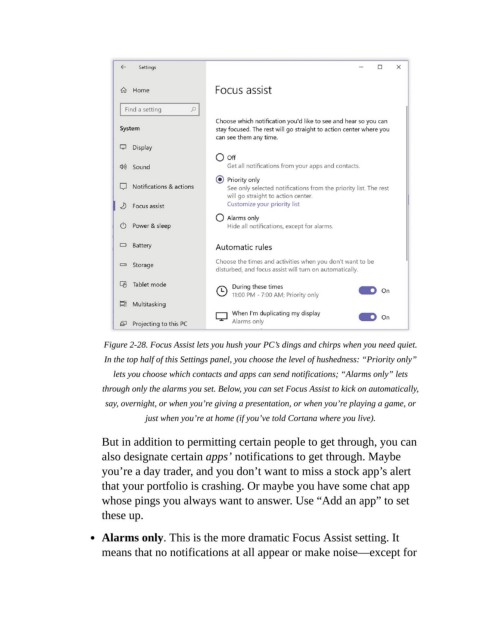
Figure 2-28. Focus Assist lets you hush your PC’s dings and chirps when you need quiet.
                            In the top half of this Settings panel, you choose the level of hushedness: “Priority only”

                              lets you choose which contacts and apps can send notifications; “Alarms only” lets
                           through only the alarms you set. Below, you can set Focus Assist to kick on automatically,

                            say, overnight, or when you’re giving a presentation, or when you’re playing a game, or
                                      just when you’re at home (if you’ve told Cortana where you live).

                           But in addition to permitting certain people to get through, you can

                           also designate certain apps’ notifications to get through. Maybe
                           you’re a day trader, and you don’t want to miss a stock app’s alert
                           that your portfolio is crashing. Or maybe you have some chat app

                           whose pings you always want to answer. Use “Add an app” to set
                           these up.


                           Alarms only. This is the more dramatic Focus Assist setting. It
                           means that no notifications at all appear or make noise—except for

