


Page 164 - Windows 10 May 2019 Update The Missing Manual: The Book That Should Have Been in the Box
P. 164
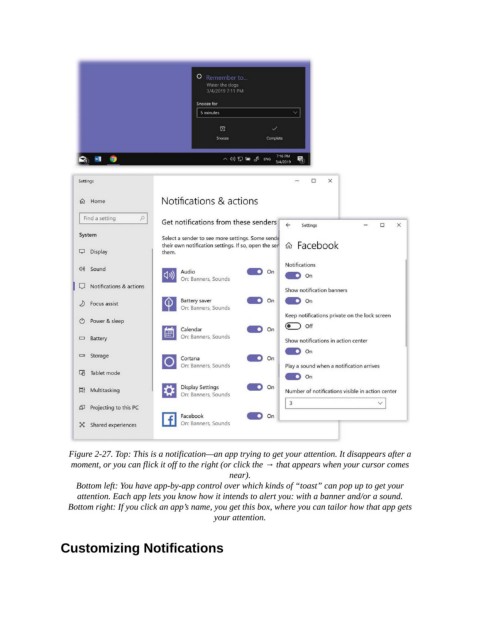
Figure 2-27. Top: This is a notification—an app trying to get your attention. It disappears after a
                   moment, or you can flick it off to the right (or click the → that appears when your cursor comes
                                                           near).

                    Bottom left: You have app-by-app control over which kinds of “toast” can pop up to get your
                     attention. Each app lets you know how it intends to alert you: with a banner and/or a sound.

                  Bottom right: If you click an app’s name, you get this box, where you can tailor how that app gets
                                                        your attention.


                Customizing Notifications

