


Page 226 - Windows 10 May 2019 Update The Missing Manual: The Book That Should Have Been in the Box
P. 226
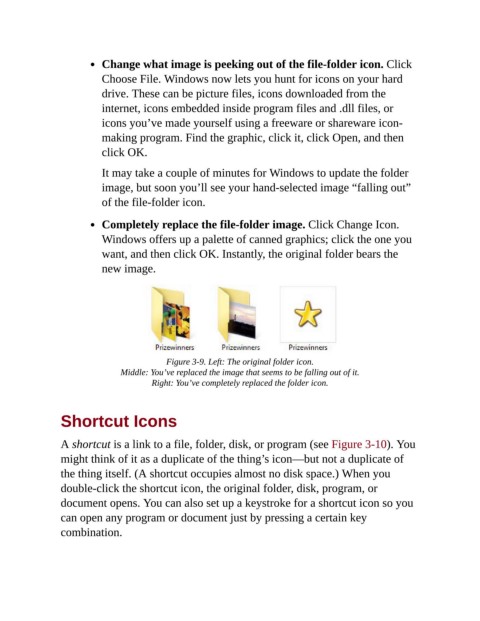
Change what image is peeking out of the file-folder icon. Click

                           Choose File. Windows now lets you hunt for icons on your hard
                           drive. These can be picture files, icons downloaded from the
                           internet, icons embedded inside program files and .dll files, or
                           icons you’ve made yourself using a freeware or shareware icon-

                           making program. Find the graphic, click it, click Open, and then
                           click OK.

                           It may take a couple of minutes for Windows to update the folder

                           image, but soon you’ll see your hand-selected image “falling out”
                           of the file-folder icon.


                           Completely replace the file-folder image. Click Change Icon.
                           Windows offers up a palette of canned graphics; click the one you
                           want, and then click OK. Instantly, the original folder bears the

                           new image.


                                           Figure 3-9. Left: The original folder icon.

                                Middle: You’ve replaced the image that seems to be falling out of it.
                                        Right: You’ve completely replaced the folder icon.


                Shortcut Icons


                A shortcut is a link to a file, folder, disk, or program (see Figure 3-10). You
                might think of it as a duplicate of the thing’s icon—but not a duplicate of
                the thing itself. (A shortcut occupies almost no disk space.) When you

                double-click the shortcut icon, the original folder, disk, program, or
                document opens. You can also set up a keystroke for a shortcut icon so you

                can open any program or document just by pressing a certain key
                combination.

