


Page 457 - Windows 10 May 2019 Update The Missing Manual: The Book That Should Have Been in the Box
P. 457
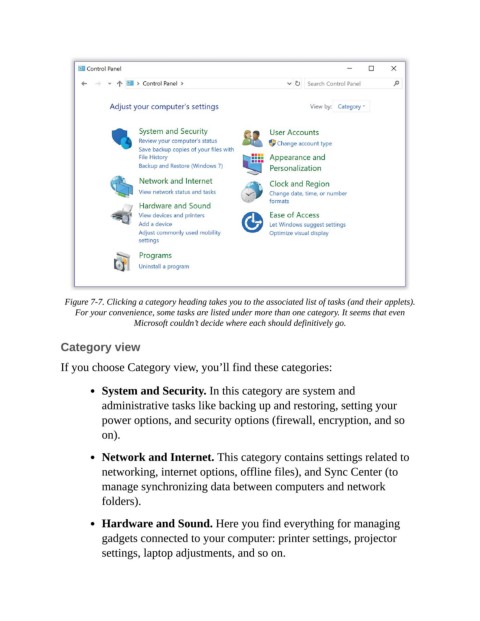
Figure 7-7. Clicking a category heading takes you to the associated list of tasks (and their applets).
                    For your convenience, some tasks are listed under more than one category. It seems that even
                                   Microsoft couldn’t decide where each should definitively go.

                Category view


                If you choose Category view, you’ll find these categories:

                           System and Security. In this category are system and

                           administrative tasks like backing up and restoring, setting your
                           power options, and security options (firewall, encryption, and so
                           on).


                           Network and Internet. This category contains settings related to
                           networking, internet options, offline files), and Sync Center (to
                           manage synchronizing data between computers and network

                           folders).

                           Hardware and Sound. Here you find everything for managing

                           gadgets connected to your computer: printer settings, projector
                           settings, laptop adjustments, and so on.

