


Page 459 - Windows 10 May 2019 Update The Missing Manual: The Book That Should Have Been in the Box
P. 459
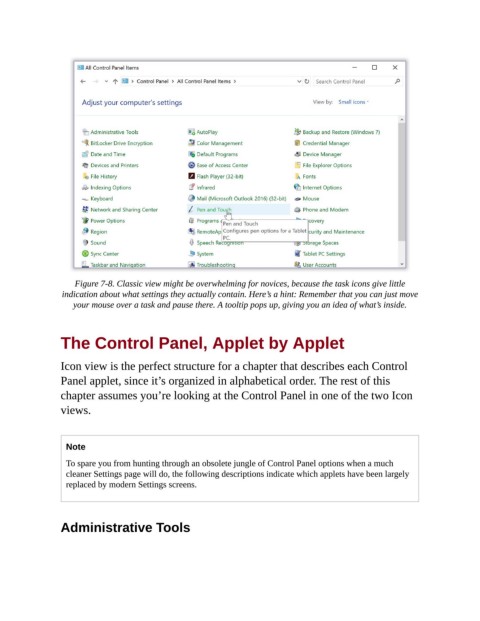
Figure 7-8. Classic view might be overwhelming for novices, because the task icons give little
                 indication about what settings they actually contain. Here’s a hint: Remember that you can just move
                    your mouse over a task and pause there. A tooltip pops up, giving you an idea of what’s inside.


                The Control Panel, Applet by Applet


                Icon view is the perfect structure for a chapter that describes each Control

                Panel applet, since it’s organized in alphabetical order. The rest of this
                chapter assumes you’re looking at the Control Panel in one of the two Icon
                views.


                  Note

                  To spare you from hunting through an obsolete jungle of Control Panel options when a much
                  cleaner Settings page will do, the following descriptions indicate which applets have been largely
                  replaced by modern Settings screens.


                Administrative Tools

