


Page 506 - Windows 10 May 2019 Update The Missing Manual: The Book That Should Have Been in the Box
P. 506
“Time lapse” lets you turn on a feature that, in self-timer mode,

                           keeps shooting photos automatically until you press the shutter
                           button to stop it.


                  Tip
                  In Settings, if you turn on “Pro mode,” you get buttons around the edges of the app window for
                  more sophisticated photo controls. They may include WB (white balance—that is, the photo’s
                  overall color cast); ISO (light sensitivity—higher numbers add light to a dim scene, but increase
                  the graininess); shutter speed (faster speeds freeze action better and eliminate blur, but may dim
                  the scene); and exposure (overall lightness of the photo). When you select one of these buttons, a
                  big slider appears that lets you dial in the level you want for that setting. “Auto” is always one of
                  the options.


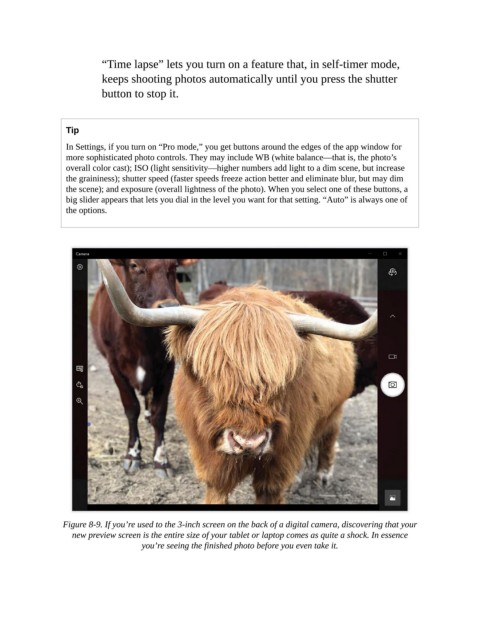
                 Figure 8-9. If you’re used to the 3-inch screen on the back of a digital camera, discovering that your
                   new preview screen is the entire size of your tablet or laptop comes as quite a shock. In essence
                                     you’re seeing the finished photo before you even take it.

