


Page 522 - Windows 10 May 2019 Update The Missing Manual: The Book That Should Have Been in the Box
P. 522
GEM IN THE ROUGH UNIVERSAL PLAYBACK
                                                     CONTROLS

                   You can start music playing and then dive into other apps or programs;

                   the music continues to play. You know—background music for your
                   work session. But what if you have to take a phone call or to speak

                   sternly to a child? Do you have to muddle all the way back to the Music
                   app to pause playback?


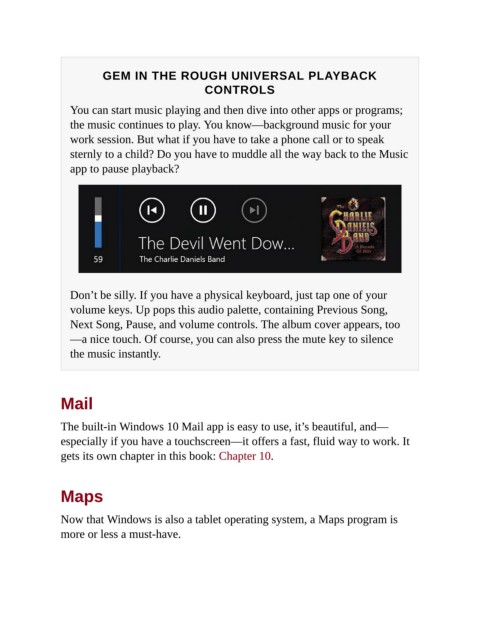
                   Don’t be silly. If you have a physical keyboard, just tap one of your
                   volume keys. Up pops this audio palette, containing Previous Song,

                   Next Song, Pause, and volume controls. The album cover appears, too
                   —a nice touch. Of course, you can also press the mute key to silence
                   the music instantly.


                Mail


                The built-in Windows 10 Mail app is easy to use, it’s beautiful, and—
                especially if you have a touchscreen—it offers a fast, fluid way to work. It

                gets its own chapter in this book: Chapter 10.


                Maps


                Now that Windows is also a tablet operating system, a Maps program is
                more or less a must-have.

