


Page 595 - Windows 10 May 2019 Update The Missing Manual: The Book That Should Have Been in the Box
P. 595
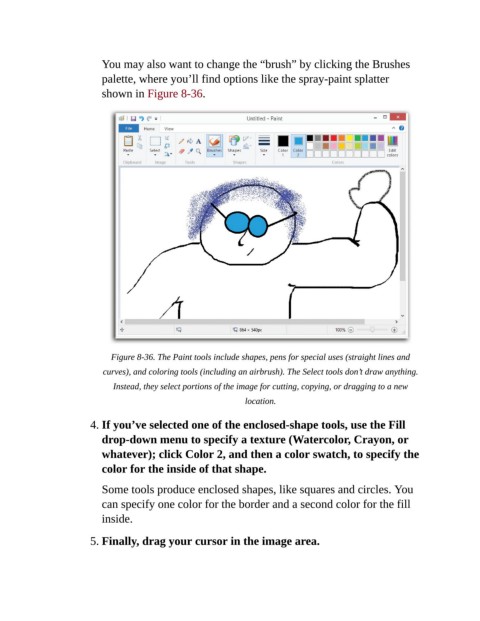
You may also want to change the “brush” by clicking the Brushes

                           palette, where you’ll find options like the spray-paint splatter
                           shown in Figure 8-36.


                             Figure 8-36. The Paint tools include shapes, pens for special uses (straight lines and
                           curves), and coloring tools (including an airbrush). The Select tools don’t draw anything.

                              Instead, they select portions of the image for cutting, copying, or dragging to a new
                                                               location.


                        4. If you’ve selected one of the enclosed-shape tools, use the Fill
                           drop-down menu to specify a texture (Watercolor, Crayon, or
                           whatever); click Color 2, and then a color swatch, to specify the

                           color for the inside of that shape.

                           Some tools produce enclosed shapes, like squares and circles. You
                           can specify one color for the border and a second color for the fill

                           inside.

                        5. Finally, drag your cursor in the image area.

