


Page 656 - Windows 10 May 2019 Update The Missing Manual: The Book That Should Have Been in the Box
P. 656
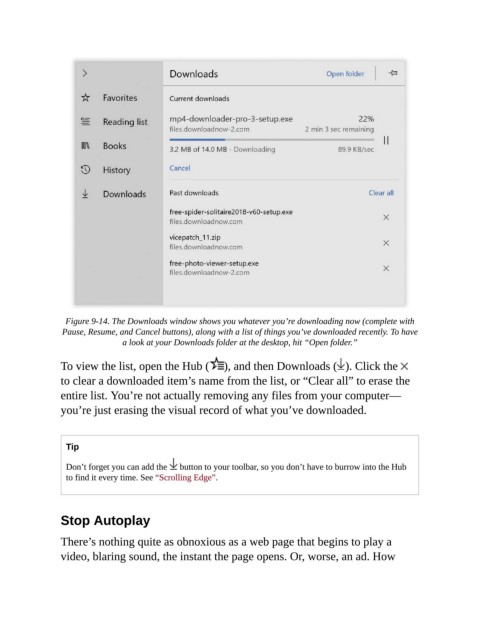
Figure 9-14. The Downloads window shows you whatever you’re downloading now (complete with
                 Pause, Resume, and Cancel buttons), along with a list of things you’ve downloaded recently. To have
                                a look at your Downloads folder at the desktop, hit “Open folder.”

                To view the list, open the Hub (          ), and then Downloads ( ). Click the

                to clear a downloaded item’s name from the list, or “Clear all” to erase the
                entire list. You’re not actually removing any files from your computer—
                you’re just erasing the visual record of what you’ve downloaded.


                  Tip


                  Don’t forget you can add the   button to your toolbar, so you don’t have to burrow into the Hub
                  to find it every time. See “Scrolling Edge”.


                Stop Autoplay

                There’s nothing quite as obnoxious as a web page that begins to play a

                video, blaring sound, the instant the page opens. Or, worse, an ad. How

