


Page 825 - Windows 10 May 2019 Update The Missing Manual: The Book That Should Have Been in the Box
P. 825
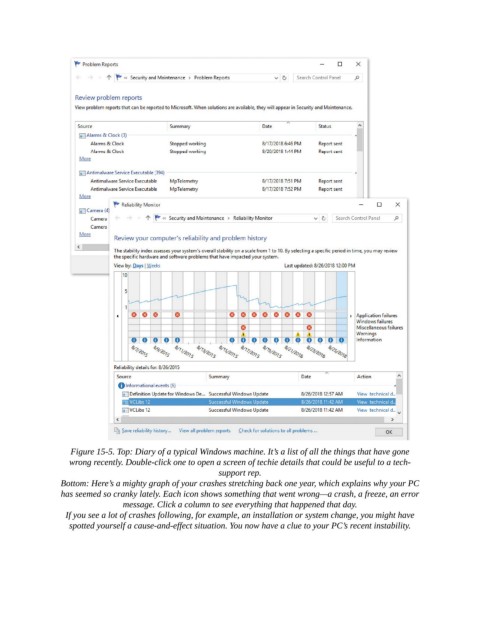
Figure 15-5. Top: Diary of a typical Windows machine. It’s a list of all the things that have gone
                   wrong recently. Double-click one to open a screen of techie details that could be useful to a tech-
                                                         support rep.

                Bottom: Here’s a mighty graph of your crashes stretching back one year, which explains why your PC
                has seemed so cranky lately. Each icon shows something that went wrong—a crash, a freeze, an error
                                message. Click a column to see everything that happened that day.

                  If you see a lot of crashes following, for example, an installation or system change, you might have
                   spotted yourself a cause-and-effect situation. You now have a clue to your PC’s recent instability.

