


Page 855 - Windows 10 May 2019 Update The Missing Manual: The Book That Should Have Been in the Box
P. 855
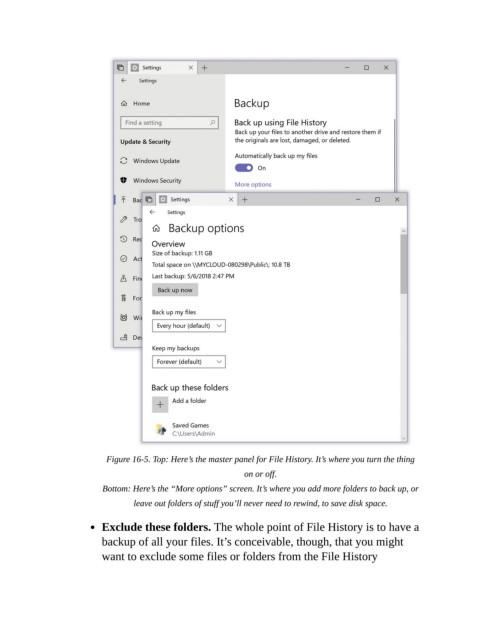
Figure 16-5. Top: Here’s the master panel for File History. It’s where you turn the thing

                                                               on or off.

                           Bottom: Here’s the “More options” screen. It’s where you add more folders to back up, or

                                   leave out folders of stuff you’ll never need to rewind, to save disk space.

                           Exclude these folders. The whole point of File History is to have a
                           backup of all your files. It’s conceivable, though, that you might

                           want to exclude some files or folders from the File History

