


Page 946 - Windows 10 May 2019 Update The Missing Manual: The Book That Should Have Been in the Box
P. 946
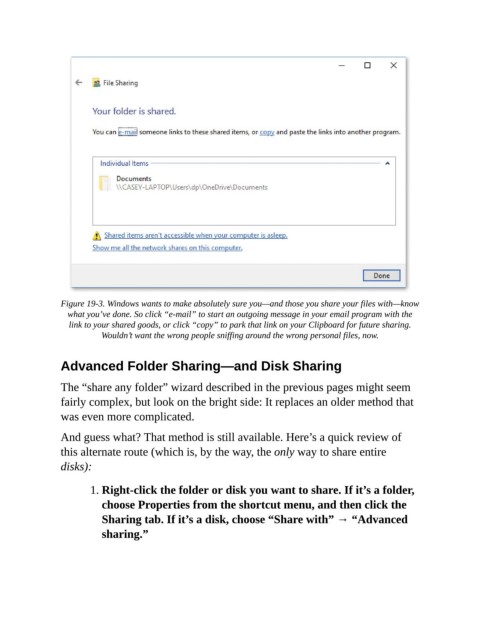
Figure 19-3. Windows wants to make absolutely sure you—and those you share your files with—know
                  what you’ve done. So click “e-mail” to start an outgoing message in your email program with the
                  link to your shared goods, or click “copy” to park that link on your Clipboard for future sharing.
                           Wouldn’t want the wrong people sniffing around the wrong personal files, now.


                Advanced Folder Sharing—and Disk Sharing


                The “share any folder” wizard described in the previous pages might seem
                fairly complex, but look on the bright side: It replaces an older method that
                was even more complicated.


                And guess what? That method is still available. Here’s a quick review of
                this alternate route (which is, by the way, the only way to share entire
                disks):


                        1. Right-click the folder or disk you want to share. If it’s a folder,
                           choose Properties from the shortcut menu, and then click the

                           Sharing tab. If it’s a disk, choose “Share with” → “Advanced
                           sharing.”

