


Page 977 - Windows 10 May 2019 Update The Missing Manual: The Book That Should Have Been in the Box
P. 977
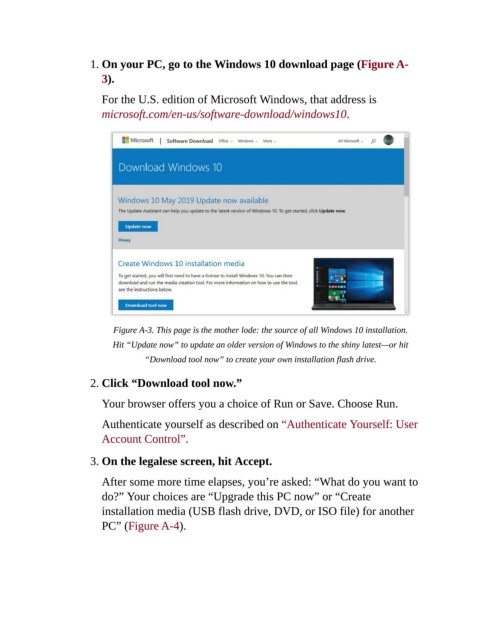
1. On your PC, go to the Windows 10 download page (Figure A-

                           3).

                           For the U.S. edition of Microsoft Windows, that address is
                           microsoft.com/en-us/software-download/windows10.


                              Figure A-3. This page is the mother lode: the source of all Windows 10 installation.

                              Hit “Update now” to update an older version of Windows to the shiny latest—or hit
                                      “Download tool now” to create your own installation flash drive.


                        2. Click “Download tool now.”

                           Your browser offers you a choice of Run or Save. Choose Run.


                           Authenticate yourself as described on “Authenticate Yourself: User
                           Account Control”.

                        3. On the legalese screen, hit Accept.


                           After some more time elapses, you’re asked: “What do you want to
                           do?” Your choices are “Upgrade this PC now” or “Create
                           installation media (USB flash drive, DVD, or ISO file) for another

                           PC” (Figure A-4).

